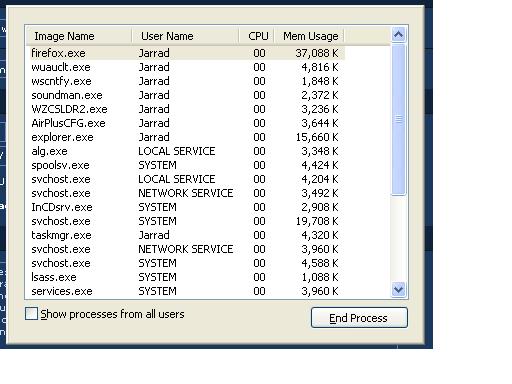
task manager
Ok, yesterday I was looking at the task manager and i accidently clicked and dragged the mouse and the boarder disappeared. That means the blue bar, the file menues, everything but the middle of the program that shows the stuff. I don’t know what i did. I reached for the mouse and accidently pushed down the button and slid it foreward a bit. It was towards the top of the window on the right side I believe. How do i make it go back??
And in the taskbar it doesn’t show the words.. just the little icon.